
Better connections.Less disruption.
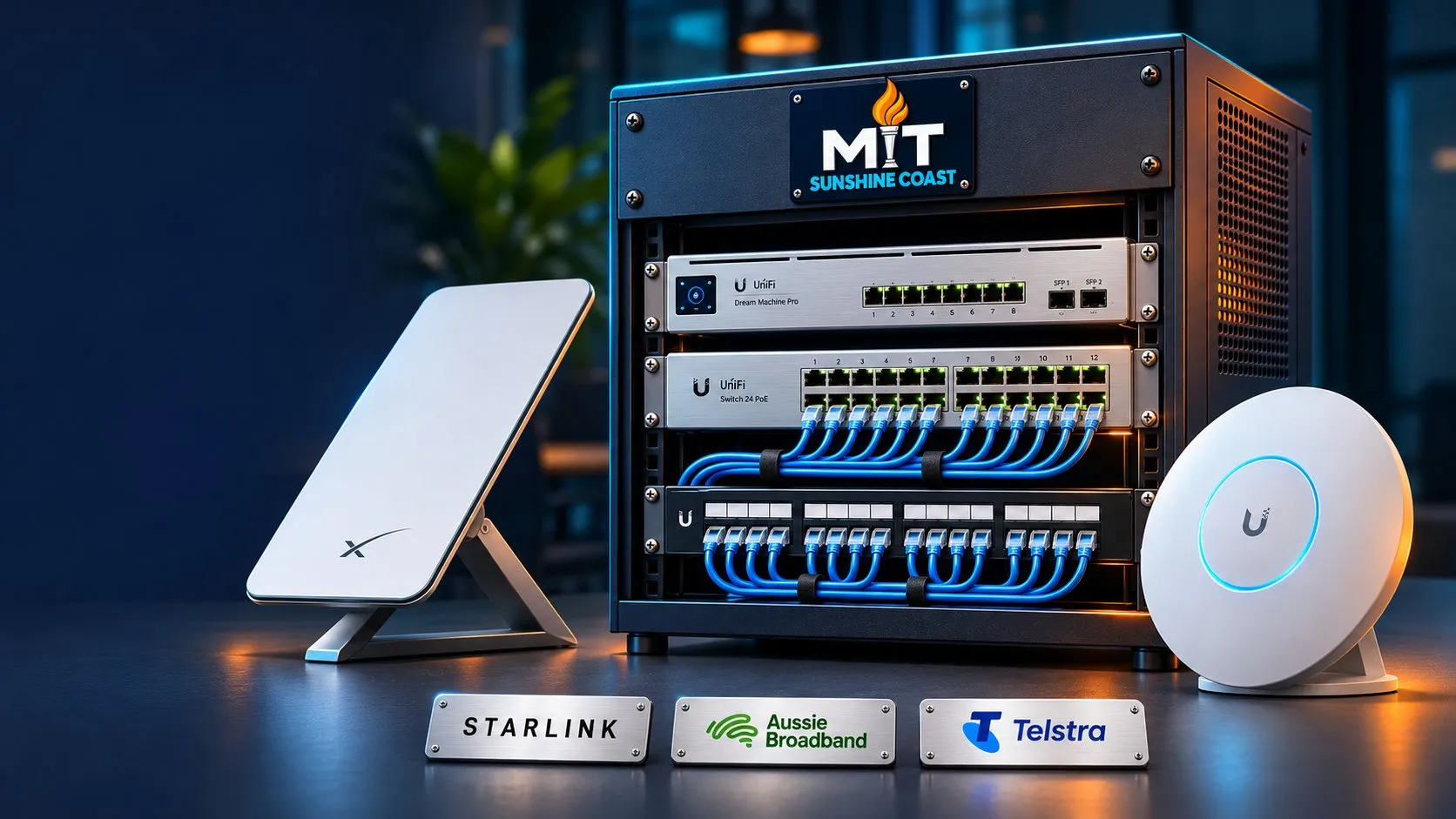
From high-speed internet to Wi-Fi that reaches the areas where you work, MIT Sunshine Coast brings your connectivity together.
We arrange internet services through Aussie Broadband, design and configure your network, and manage the agreed service, giving you a local team to call when you need help.
Internet connections. Business networks. Whole-site Wi-Fi. Local support.
- Internet arranged and managed
- Wi-Fi designed for your premises
- Wired networks built for your workload
- Local help with connection issues
High-speed internet through Aussie Broadband. Local support through MITSC.
Choosing an internet connection should start with how you use it: the people working at your premises, the applications you depend on and the impact of an outage.
We can check the options available at your address, recommend a suitable Aussie Broadband service, coordinate connection and configure your equipment.
Once connected, we can manage the agreed service and help investigate issues, including working with Aussie Broadband when a provider fault needs attention.
- Choose the right connectionReview availability, download and upload requirements, service options and costs.
- Get connected properlyCoordinate the order, equipment configuration and changeover, with checks once the service is active.
- Have someone to callContact MITSC for help with the managed service. We investigate the connection and local network and coordinate provider escalation where required.
Business nbn
Options for everyday business applications, cloud services, video meetings and general connectivity, subject to address availability.
Fibre and Enterprise Ethernet
Assess higher-capacity or more demanding business requirements against available fibre services and suitable service arrangements.
Backup connectivity
Consider a secondary connection where losing internet would significantly affect operations.
Available services, speeds, installation requirements, contract terms and support arrangements depend on your address and selected plan.
Make the connection work where you need it.
A fast internet plan is only part of the picture. Your router, cabling, switches, Wi-Fi coverage and connected devices all affect the experience. We assess the environment and recommend improvements around the way your premises are used.
Wi-Fi designed around the building and the people using it.
Different premises place different demands on a network. Building materials, floor layouts, device numbers and outdoor areas all influence the design.
We plan coverage and capacity around the site, with appropriate separation for staff, guests and connected systems.
- Offices, retail and hospitality
- Support staff devices, business applications and guest access across the areas that need connectivity.
- Healthcare and professional premises
- Plan connectivity around operational requirements, with appropriate network separation and coordination with equipment vendors.
- Accommodation and apartment buildings
- Assess common areas and multi-level coverage, with access arrangements suited to the property’s management requirements.
- Holiday parks, warehouses and larger sites
- Consider outdoor coverage, multiple buildings and suitable links between locations.
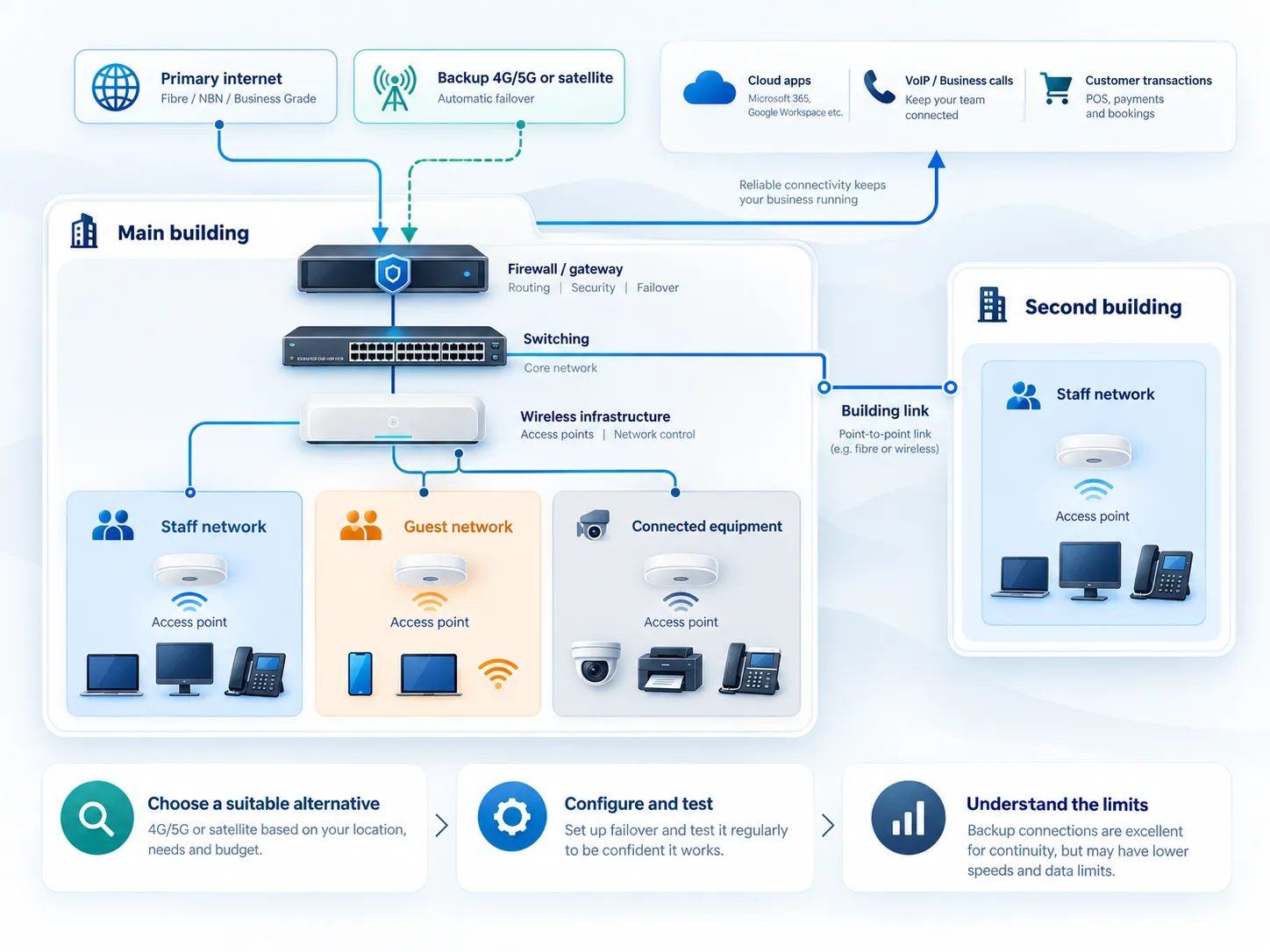
What happens when your main connection goes down?
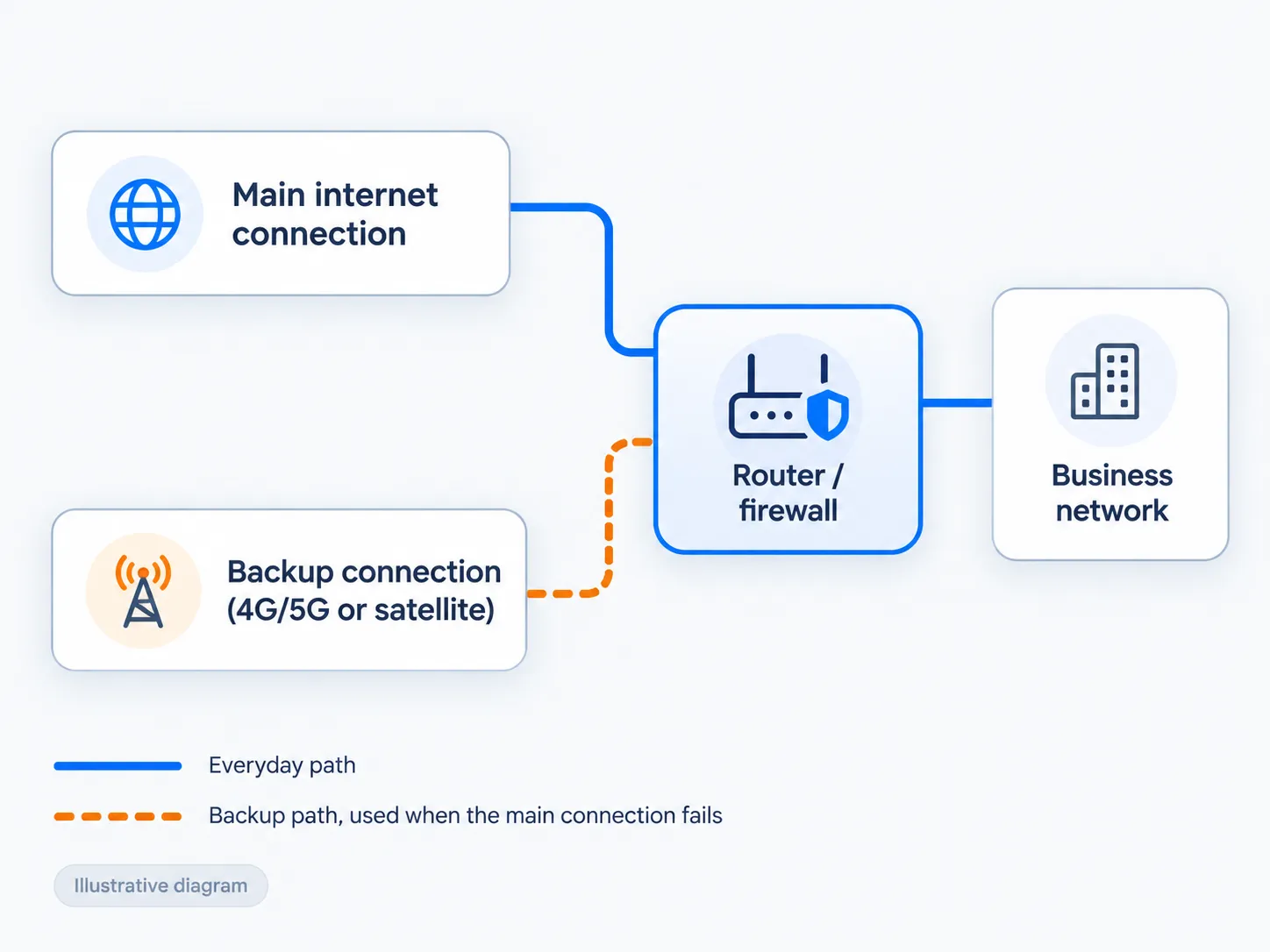
If an internet outage stops calls, cloud applications or customer transactions, a backup connection may be worth planning.
We can assess options such as 4G/5G or satellite connectivity and configure supported equipment to switch connections where appropriate.
- Choose a suitable alternative
- Consider availability, signal, capacity and whether it provides useful independence from the primary service.
- Configure and test
- Check the switching process and how important applications behave.
- Understand the limits
- Document data allowances, reduced capacity, power requirements and any manual intervention needed.
A backup connection can reduce disruption, but switching may interrupt active calls or sessions. Performance depends on the services, equipment and local conditions.
Start with the cause of the problem.
Slow performance and dropouts can originate from the internet service, the local network or an individual device. We investigate the symptoms and relevant parts of the connection before recommending a faster plan or replacement equipment.
Your proposal sets out
- Recommended internet service where applicable
- Required hardware and installation
- Coverage and capacity assumptions
- One-off and recurring charges
- Ongoing management scope
- Provider dependencies and expected lead times
Understand
Discuss the problem, premises, users and business requirements.
Assess
Review the connection, equipment, coverage and relevant configuration.
Recommend and implement
Explain the options, costs and expected improvements, then complete the agreed work.
Validate and support
Check agreed areas and functions, document the setup and explain the ongoing support arrangements.
A formal wireless survey is scoped separately where a site needs one; it isn’t part of every initial visit.
Better internet and Wi-Fi at home, too.
Working from home, unreliable video calls or Wi-Fi that does not reach the rooms you use? Our local team can help.
We review your internet connection, router and home layout, recommend suitable improvements and help get your devices connected.
Ask us about arranging an appropriate Aussie Broadband internet service and the available support options for your home.
At home, we can help with
- Wi-Fi that reaches every room
- Router and modem setup
- Home office connections
- Getting devices connected
Let’s get your connection working for you.
Whether you need a better internet service, more reliable Wi-Fi or a network that can support a growing business, start with our local team. We can arrange the connection, configure the equipment and manage the agreed service.
Opens an email with a few questions to fill in.
Or call 1300 68 55 46Existing client? Log a support job