
Backup
Keeps recoverable copies of important information.
Backup arrangements define what is copied, how often, where it is stored and how long it is retained.
They help address events such as accidental deletion, corruption and system failure.
Lost files, failed servers and cyber incidents can interrupt the work your business depends on.
MIT Sunshine Coast helps you protect important information, test recovery and plan how to restore essential systems, with clear priorities and local support.
Protected backups. Tested recovery. A practical plan.
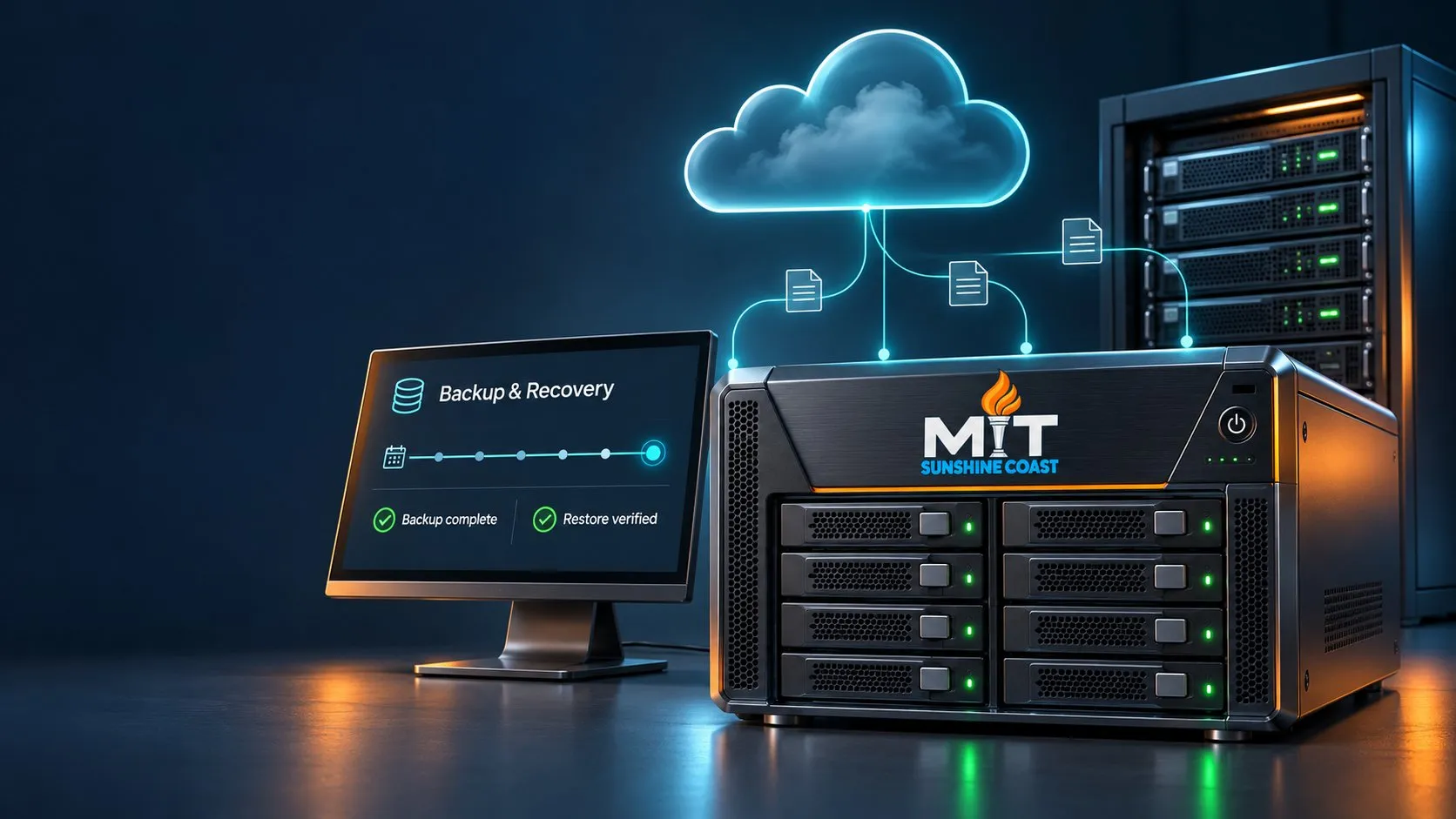
Knowing that a backup job completed is useful. Knowing what can be restored, how the process works and which systems need to come back first gives you a clearer basis for planning. We help you understand your current arrangements and identify the improvements needed to support recovery.
Understand which files, applications and systems are covered, and where gaps remain.
Check the steps, access and resources needed to restore important information and services.
Prioritise the systems your staff and customers depend on most.
Keeps recoverable copies of important information.
Backup arrangements define what is copied, how often, where it is stored and how long it is retained.
They help address events such as accidental deletion, corruption and system failure.
Plans how essential technology will be restored.
Recovery planning considers systems, applications, dependencies, access, responsibilities and the order of restoration.
It connects the backup technology to the practical steps needed to resume operations.
We help bring both together around your business priorities.
We review what your business relies on and recommend a suitable combination of backup, protection, monitoring and recovery planning.
Your proposal identifies protected workloads, backup frequency, retention, monitoring arrangements, testing scope and recovery assistance. Storage, licensing, project work and additional recovery services are clearly outlined.
A backup status report does not tell the whole recovery story. Restoring a file, recovering an application and rebuilding a server involve different checks and dependencies.
We agree the testing scope with you, record the outcome and explain what needs attention.
Test results apply to the scenarios and systems tested. Testing frequency and coverage are agreed as part of the service.
Recovery test
How long could an essential system remain unavailable before the impact becomes unacceptable?
This helps define the Recovery Time Objective (RTO).
How much recent work could the business tolerate losing, for example the work created since the last usable backup?
This helps define the Recovery Point Objective (RPO).
We use these priorities to guide the design and cost of the solution. Faster recovery and more frequent recovery points can require additional investment.
These are planning targets. Actual recovery depends on the incident, available recovery points, infrastructure and agreed arrangements.
Backup information also needs appropriate protection. We review how copies are accessed, stored and separated from everyday systems, and recommend controls suited to the environment.
Following a cyber incident, restoration needs to be coordinated with containment and investigation, so affected systems are not simply put back into service without appropriate checks.
Your business depends on more than stored files. It depends on people being able to access information, use applications and serve customers.
Our local team helps connect the technical recovery arrangements with those everyday business needs, so you understand the priorities and the next steps.
You may already have backups in place. We can help review the current arrangements, identify gaps and explain which improvements would make the greatest practical difference.
Understand current protection and business priorities.
Implement agreed changes to backups and recovery arrangements.
Monitor, test and update the agreed solution over time.
You do not need to know the technical answers before contacting us. We can help establish what is in place and what needs attention.
Find out what is protected, what could be restored and where your plan needs attention. Our local team can help you turn uncertainty into practical next steps.
Opens an email with a few questions to fill in.
Or call 1300 68 55 46Existing client? Log a support job