

Microsoft 365 & Azure

Help your team do more with Microsoft.

Bring your email, files, collaboration and cloud systems together with practical advice and ongoing support from MIT Sunshine Coast.

1300 68 55 46

  • Clear advice
  • Planned migrations
  • Local support
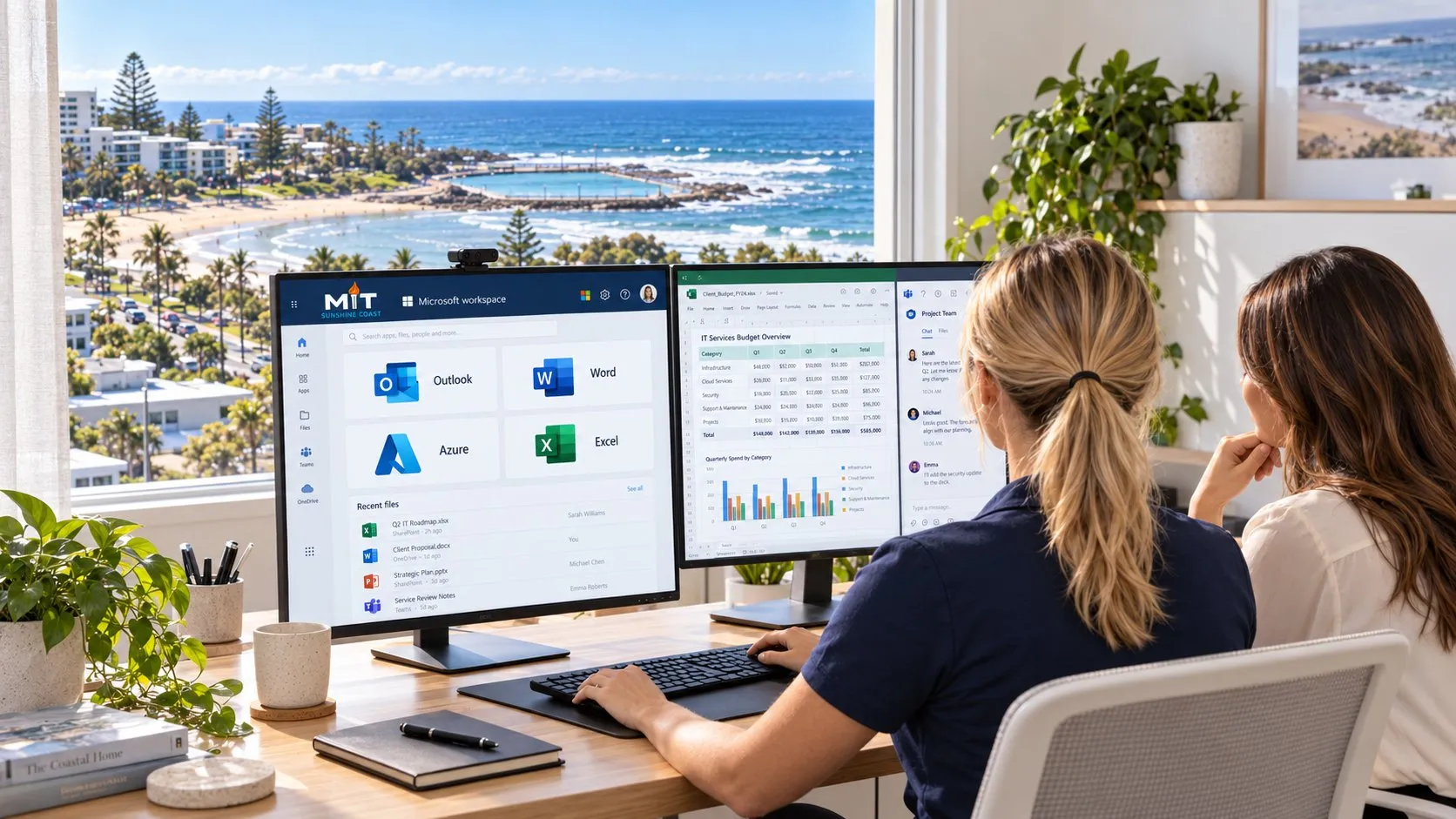
Two people reviewing Microsoft applications in a coastal office.
  • Outlook
  • Word
  • Excel
  • Teams
  • SharePoint
  • OneDrive
  • Azure

Applications and features depend on your licences and configuration. Azure services are billed separately from Microsoft 365 subscriptions.

Microsoft, Outlook, Word, Excel, Teams, SharePoint, OneDrive and Azure are trademarks of their respective owners. Naming them here doesn't imply any sponsorship, affiliation or endorsement.

Your Microsoft environment. Working better together.

From licensing and migration to security configuration and day-to-day support, we help you build a Microsoft setup that suits the way your business works.

Microsoft 365

A better everyday workspace.

Connect your business email, documents and collaboration tools with a setup your team can use confidently.

  • Business email and calendars
  • Teams, SharePoint and OneDrive
  • User access and device management
  • Licensing matched to each role
Explore Microsoft 365

Microsoft Azure

Cloud infrastructure with a clear purpose.

Plan, migrate and manage the cloud workloads your business relies on.

  • Cloud servers and applications
  • Connectivity between your office and the cloud
  • Security, backup and recovery planning
  • Resource usage and cost reviews
Explore Azure

Services are scoped to your requirements. Features depend on licensing and configuration. We recommend Azure where it adds value.

Microsoft 365 services

Get more value from the tools your business relies on.

Buying licences is only the beginning. We configure, organise and support your Microsoft environment as your business changes.

Common challenges

Sound familiar?

If your Microsoft tools feel harder to manage than they should, start with the issues affecting your team.

  • Files in too many places

    Important information is spread across inboxes, devices and shared folders.

  • Licences that do not fit

    Your subscriptions may not match what each person needs.

  • Unclear access permissions

    It is hard to tell who can access your business information.

  • Servers ready for a rethink

    Ageing infrastructure or changing requirements have you considering your next move.

Start with the business problem. We’ll help you work through the options.

Azure & hybrid cloud

A clearer plan for what comes next.

We assess your applications, connectivity, costs and support needs before recommending what should move to Azure and what should stay where it is.

Discuss your cloud infrastructure

Azure consumption, licensing and MIT services are scoped and priced separately. Backup, monitoring and ongoing management are included only where agreed.

  1. Assess and plan

    Review your workloads, dependencies and business requirements to define a practical cloud or hybrid approach.

  2. Build and migrate

    Configure the environment and plan the transition, including access, connectivity and validation.

  3. Protect and recover

    Plan security controls, backups and recovery arrangements around each workload and its business impact.

  4. Manage and optimise

    Review resource usage, configuration and costs as your requirements change.

Our approach

A planned move. Support at every step.

  1. Understand

    We review your goals, current environment, dependencies and constraints.

  2. Agree the approach

    We recommend a suitable solution and explain the scope, responsibilities, timing and costs.

  3. Prepare and migrate

    We configure and test the destination, then migrate the agreed systems and data in planned stages.

  4. Validate and support

    We check access and agreed data, help users settle in and confirm the ongoing support arrangements.

Expected downtime, responsibilities and costs are explained before the move.

Local people. Ongoing support.

Whether your people work in the office, from home or across multiple locations, MIT Sunshine Coast helps them get more from their Microsoft tools.

  • Practical advice from a local team
  • Access and collaboration that suit your business
  • Support as your needs change

Talk to our team

The Glass House Mountains rising above forest and farmland in the afternoon light
Glass House Mountains. Photo: Paul Balfe, CC BY 2.0

Make Microsoft work better for your business.

Planning a move, reviewing licences or improving your existing setup? Let’s talk.