
Make AI useful. Keep people in control.
MIT Sunshine Coast helps businesses choose and configure AI tools, connect supported systems and guide staff in their use. Start with a practical task, define what information and actions are allowed, and test the value before expanding.
Practical applications. Defined access. Human review.
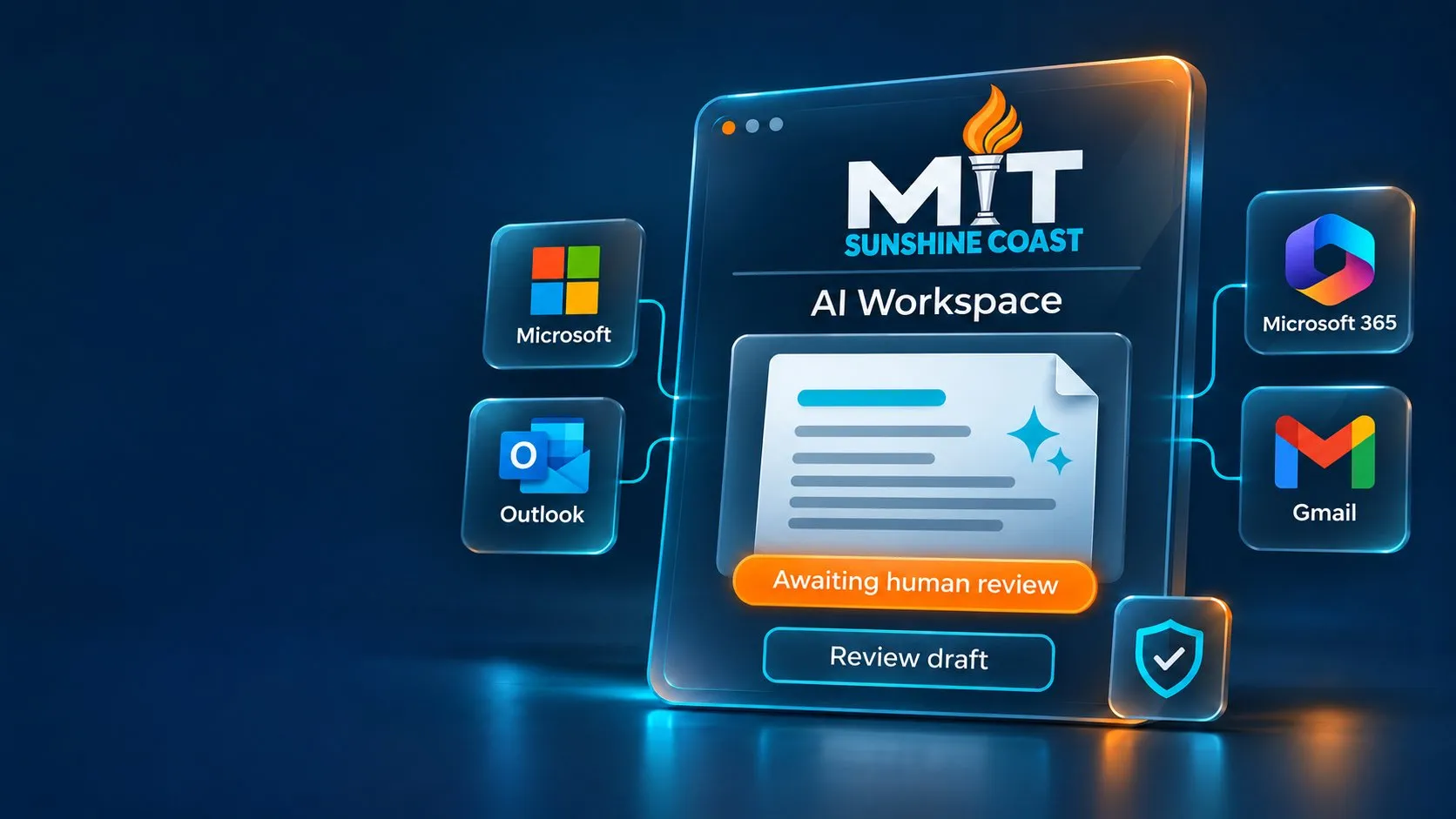
- Useful business applications Focus on tasks where AI may reduce routine effort or help staff find and prepare information.
- Defined access and approvals Agree what the solution can access, what it can do and when a person must review the result.
- Local implementation support Work with the MIT Sunshine Coast team on setup, staff guidance and agreed ongoing support.
From first review to ongoing support.
Choose a focused starting point, then build the tools, controls and staff confidence around it.
Assessments, pilots, implementation and ongoing support are scoped and quoted services. Platform subscriptions and usage charges are identified separately.
What could AI help your team do?
These are illustrative applications, not completed client projects. Suitability depends on your systems, information and operating requirements.
Find procedures and guidance
AI assistance: Search approved documents and identify relevant sources.
Human review: Check the source, version and whether it applies.
Draft proposals and correspondence
AI assistance: Prepare drafts using approved templates and supplied business information.
Human review: Check facts, commitments and tone before sending.
Triage incoming enquiries
AI assistance: Suggest categories, summaries and draft responses.
Human review: Approve responses and handle exceptions.
Extract document details
AI assistance: Prepare structured fields from suitable documents.
Human review: Validate the extracted information before updating records.
Summarise operational reports
AI assistance: Summarise available reports and highlight potential exceptions.
Human review: Verify figures and context before making decisions.
Prepare follow up tasks
AI assistance: Prepare tasks, records or suggested next steps across supported systems.
Human review: Approve consequential changes or external actions before execution.
Decide what AI can access. Define what it can do.
Before connecting AI, we review the proposed information sources, user permissions, provider terms and workflow. We agree who is responsible for checking outputs and approving actions, then configure and test the controls supported by the selected platform.
Approved information
Identify permitted sources and purposes. Review sensitive information, retention, processing locations and any third-party services receiving data.
Appropriate access
Review identities, permissions and existing oversharing. Limit user and service-account access to what the workflow requires.
Human review and action limits
Start with read-only or draft-only access where suitable. Use enforceable approval steps for consequential actions, activity review and a way to stop the workflow.
AI can produce inaccurate or misleading outputs. Controls reduce risk but do not remove the need for testing, staff judgement and review. Available controls vary by product, plan and integration.
- Approved information
- AI draft
- Human review
- Approved action
Choose the right tools for the job.
We assess the task, your existing systems, the required controls and the total cost. The right approach may be an existing business AI product, a supported integration or a tailored workflow. If conventional automation is a better fit, we will recommend it.
ChatGPT from OpenAI
Business offerings assessed for the task, with workspace access, available data settings and supported connections configured to the agreed scope.
Claude from Anthropic
Commercial offerings assessed for the task, with workspace access, available data settings and supported connections configured to the agreed scope.
Features, permissions, retention options and integrations vary by product and plan. We review the selected service and any connected third parties before implementation. These are technologies we work with; their inclusion does not imply a formal partnership or endorsement.
Start small. Test the value.
Review
Identify the task, users and current effort. Review information access, suitability and constraints.
Pilot
Agree the scope, responsibilities, cost limits and success measures. Configure and test a focused solution, including errors, access restrictions and approval steps.
Introduce
Train the agreed users, document responsibilities and introduce the workflow with a clear route for questions and exceptions.
Improve
Compare outcomes with the starting point. Review quality, effort and costs before deciding whether to improve, expand or stop.
A focused pilot helps establish whether the approach is useful before you commit to a wider rollout. Assessments and pilots are scoped and quoted services.
Measure the result before expanding.
We assess the expected benefit alongside implementation effort, review time, staff training and ongoing costs. A faster draft only helps if the final result is useful and the checking effort is proportionate.
Time and turnaround
Compare the full task before and after.
Accuracy and rework
Track errors, corrections and exceptions.
Staff adoption
Check whether the team can use the workflow effectively.
Total cost
Include project work, subscriptions, usage and support.
Local expertise. Practical implementation.
Connect AI to the way your business works, with clear responsibilities and an agreed support plan. MIT can help review integrations, access changes, usage and costs, staff questions and testing after material platform changes.
Ongoing support inclusions, review frequency and response arrangements are defined in your agreement. Project costs are separate from recurring platform, usage and support charges.

Where could AI make a useful difference?
Tell us which task takes time or creates friction. We will help you assess the opportunity and identify a practical next step.
Describe the task without including confidential records, passwords or sensitive personal information.
1300 68 55 46Existing client? Log a support job